Last reviewed on: January 8, 2026. Please note that digital security threats and the reputation of download platforms can change rapidly. Security recommendations may vary based on your operating system and region.
The internet is a treasure trove of free digital content—from software and e-books to music and high-resolution images. However, the old adage “there’s no such thing as a free lunch” often applies to the digital world. While many free downloads are perfectly safe and provided by generous creators or open-source communities, others can be a gateway for malware, privacy breaches, and unwanted software.
This article is designed to help you navigate the world of free digital downloads with confidence. We will explore the real-world risks, the hidden costs of “free” content, and provide you with a practical checklist to ensure your digital safety. Whether you are looking for a new photo editor, a free e-book for your studies, or a game to pass the time, understanding the mechanics of digital safety is essential for every modern internet user.
Who This Is For / Not For
This article is for:
- Beginner and early intermediate internet users who want to explore free digital resources safely.
- Students and hobbyists looking for free software, assets, or educational materials to support their projects.
- Parents who want to ensure their children are downloading content from safe sources and learning good digital hygiene.
- Casual users who want to understand the “why” behind security warnings and how to make informed decisions.
This article is not for:
- Cybersecurity professionals looking for advanced technical analysis of malware or zero-day exploits.
- Individuals seeking to download pirated or illegal content. We only discuss legal, legitimate free downloads.
- Users who are already experts in digital security and verification methods and are looking for niche tools.
The Real Risks of Free Downloads
When you click a “Download” button on a free site, you are essentially inviting a file into your digital home. Understanding the potential risks is the first step in protecting yourself. It’s not about being afraid of the internet, but about being prepared.
1. Malware and Ransomware: The Digital Intruders
The most significant risk is the presence of malicious software, or malware. Malware is a broad term that covers various types of harmful code.
- Viruses and Worms: These can replicate themselves and spread to other files or computers on your network.
- Ransomware: This is particularly devastating. It encrypts your personal files—photos, documents, work—and demands a payment (usually in cryptocurrency) to unlock them.
- Spyware: This software quietly monitors your activity, logging your keystrokes (which can capture passwords) and tracking your browsing history.
According to TrustCloud, the security risks of unmonitored downloads extend far beyond the individual, potentially affecting entire networks and leading to significant data breaches [1].
2. Privacy and Data Collection: The Hidden Currency
Many “free” programs and apps are monetized through data collection. In the digital economy, your data is often more valuable than a one-time purchase price.
- Tracking Tools: Free software may include tracking pixels or cookies that monitor your activity across the web.
- Data Selling: Some developers collect your personal information—email, location, interests—and sell it to third-party advertisers or data brokers.
- Permissions Overreach: Have you ever noticed a simple calculator app asking for access to your contacts and location? This is a classic sign of data-hungry software.
As noted by Heimdal Security, the real cost of free software is often passed on to the user in the form of exposed or sold data, which can lead to increased spam, targeted advertising, and even identity theft risks [2].
3. “Crapware” and Bundled Software: The Uninvited Guests
Have you ever installed a free program only to find three other unwanted apps on your computer? This is known as “crapware” or bundled software.
- The Revenue Model: Many free download sites earn revenue by including these extra programs in their installers. They get paid for every “successful” installation of the bundled app.
- The Impact: While not always malicious, these programs can slow down your computer, take up valuable disk space, and clutter your system with unwanted toolbars or “PC cleaners” that do more harm than good.
How to Verify if a Download is Safe
Before you hit that download button, there are several steps you can take to verify the safety of a file. These methods are used by professionals and are accessible to everyone.
1. Use a Multi-Engine Scanner: The Second Opinion
One of the most effective ways to check a file or a URL is to use a service like VirusTotal.
- What it is: VirusTotal is a free service, now owned by Google, that analyzes suspicious files and URLs using over 70 different antivirus engines and website scanners [3].
- Why it works: No single antivirus program is perfect. By using 70+ engines at once, you get a comprehensive view of whether a file is considered dangerous by the global security community.
How to use it effectively:
- Scan the URL First: Before you even download the file, copy the link to the download page and paste it into VirusTotal’s “URL” tab. This can tell you if the website itself is known for hosting malware.
- Scan the File After Download: Once the file is on your computer, but before you open or run it, upload it to the “File” tab on VirusTotal.
- Interpret the Results: If you see 0 detections, the file is likely safe. If you see 1 or 2 detections from obscure engines, it might be a “false positive.” If you see 5 or more detections, especially from well-known names like Microsoft, Kaspersky, or Bitdefender, delete the file immediately.
2. Check the Source’s Reputation: The Digital Neighborhood
Reputation is everything in the digital world. Stick to well-known, reputable sources whenever possible.
- Official Developer Websites: This is the gold standard. If you want VLC Media Player, get it from VideoLAN.org, not a random “free software” site.
- Verified Repositories: For open-source software, platforms like GitHub or SourceForge are generally safe, as the code is public and can be audited by anyone.
- Official App Stores: The Microsoft Store and the Mac App Store have vetting processes. While not 100% perfect, they are significantly safer than downloading a random
.exeor.dmgfile from the web.
3. Read User Reviews and Community Feedback: The Wisdom of the Crowd
Online communities are often the first to spot a sketchy download or a site that has gone “bad.”
- Reddit: Subreddits like r/software, r/antivirus, and r/techsupport are invaluable. Search for the name of the software or the site you’re using to see what others are saying.
- The “Softpedia” Debate: Softpedia is a long-standing download site. While it is generally considered “safe” from a malware perspective, many users in the community warn that it and similar sites often use “wrapper” installers that bundle extra software [4].
The “Hidden Costs” of Free Content: A Transparent Look
Transparency is key to understanding the digital landscape. When a product is free, you are often the product. This isn’t necessarily a bad thing, but you should be aware of the exchange.
1. The Data Tradeoff: Services for Information
Companies like Google and Facebook provide incredible free services—email, maps, social networking—but they do so by collecting vast amounts of data.
- The Exchange: This data powers their advertising engines, allowing them to show you ads that you are more likely to click on.
- The Privacy Impact: As highlighted by Security.org, while some companies like Apple are more privacy-conscious, data collection is a fundamental part of the “free” internet model [5].
2. The “Freemium” Model: A Taste for Free
Many free downloads are actually “freemium.” You get the basic version for free, but the “pro” features are locked behind a paywall.
- The Constraint: This can be frustrating if you need a specific feature, but it’s a legitimate business model. It allows you to try the software before you commit to buying it.
3. System Performance: The Resource Cost
Free software that is poorly written or bundled with extra apps can significantly impact your computer’s performance.
- Slowdowns: Unwanted background processes can lead to slower startup times and sluggish performance.
- System Stability: Poorly coded free software can cause system crashes or conflicts with other programs. As one Reddit user noted, “crapware” can lead to disappearing desktop icons and extremely slow file transfers [6].
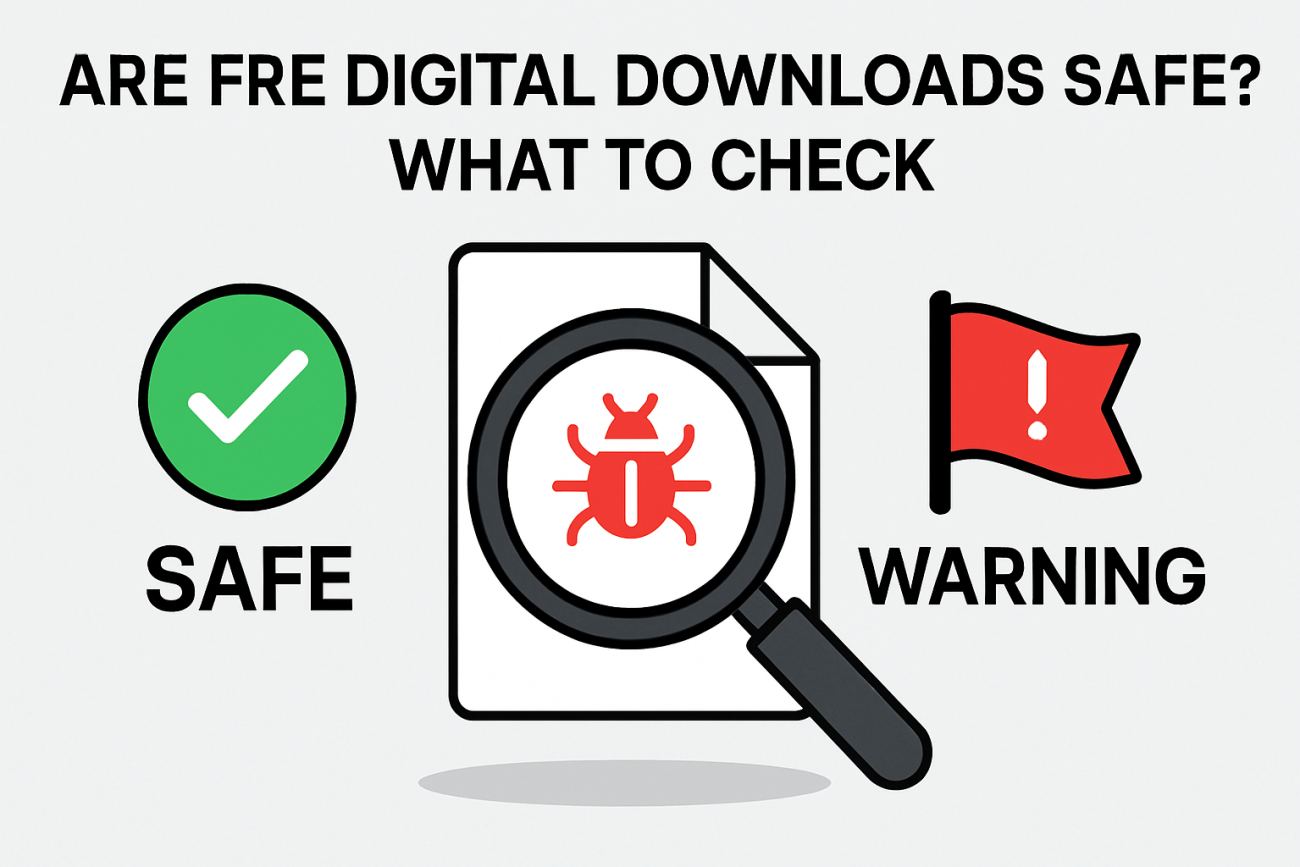
Your Safety Checklist: What to Check Before Downloading
To make this actionable, here is a comprehensive checklist you can use every time you consider a free download.
| Checkpoint | Action | Why It Matters |
|---|---|---|
| The Source | Is this the official developer’s website? | Reduces the risk of downloading an altered or malicious version of the file. |
| The URL | Does the web address look correct? Look for typos like g00gle.com. | Scammers use “typosquatting” to trick you into visiting fake sites. |
| The Scanner | Have I run the URL and the file through VirusTotal? | Gives you a second opinion from 70+ security experts. |
| The Community | What are people saying on Reddit or Quora about this? | Real-world experiences can highlight hidden “crapware” or privacy issues. |
| The Installer | Am I choosing “Custom Installation” and reading every screen? | Allows you to uncheck any “optional” bundled software. |
| The Privacy | Does the site have a clear privacy policy? | Helps you understand if your data is being sold to third parties. |
| The “Too Good” Test | Does it promise something unrealistic (e.g., “Free $100 Gift Card”)? | If it seems too good to be true, it almost certainly is a scam. |
Community Experiences: Real-World Lessons
To provide a realistic perspective, we’ve summarized common experiences from the digital community. These stories illustrate that even with the best tools, a little bit of common sense goes a long way.
The “False Positive” Experience:
“I once downloaded a small utility from a niche developer. VirusTotal flagged it with two warnings out of 70. I was panicked, but after asking on r/antivirus, I learned these were ‘false positives’—the tool used a specific type of code that some scanners misidentify. It’s important to look at the number of detections and which engines are flagging it. If it’s just one or two obscure ones, it’s often a mistake.” — Summarized from community discussions on r/antivirus.
The “Bundled Software” Trap:
“I downloaded a free PDF converter from a popular download site. I clicked ‘Next’ too quickly during the installation and ended up with a new browser toolbar and a ‘PC cleaner’ I didn’t want. Now, I always choose ‘Custom Installation’ to see exactly what’s being added. I’ve learned that ‘Express Installation’ is often just code for ‘Install all the extra junk.'” — Summarized from user reviews on Quora.
The “Official Site” Success:
“I used to get all my software from those ‘Top 10 Free Software’ sites. After a few bad experiences with malware, I started going directly to the developers. It takes an extra 30 seconds to find the official site, but my computer has been running much smoother ever since. It’s the single best thing I did for my digital safety.” — Summarized from Reddit’s r/techsupport.
Disclosure: The community testimonials mentioned above are summarized from public forums. The author of this article did not participate in these specific discussions.
Conclusion: Empowering Your Digital Journey
Free digital downloads are a fantastic resource that can save you money and provide you with powerful tools for creativity, learning, and entertainment. However, they require a healthy dose of skepticism and a few simple safety habits.
By sticking to reputable sources, using verification tools like VirusTotal, and being mindful of the data you share, you can enjoy the best the internet has to offer without compromising your security. Digital safety isn’t about being a tech expert; it’s about being a conscious and informed user.
Stay curious, stay informed, and always double-check before you click. Your digital home is worth protecting.
References
[1] TrustCloud: Unmonitored downloads: risks and how to stay protected
[2] Heimdal Security: The hidden price of free: How businesses’ cost-cutting tech puts you at risk
[3] VirusTotal: About VirusTotal and How It Works
[4] Reddit r/techsupport: Is softpedia.com safe to use? Community Discussion
[5] Security.org: The Internet and Data Privacy: Who Collects Your Data?
[6] Reddit r/technology: Yes, Every Freeware Download Site is Serving Crapware
[7] Computer HowStuffWorks: Is downloading free computer software safe?