Last Reviewed on: January 7, 2026
The modern creative landscape is built on digital assets—the stock photos, fonts, sound effects, and templates that bring projects to life. For the beginner or the budget-conscious professional, the word “free” is a powerful magnet. The internet is flooded with millions of free resources, but a crucial distinction must be made: not all free assets are created equal, and many come with hidden legal or ethical costs.
This article is a transparent guide to the free digital assets that professional and serious hobbyist creators actually use. We will move beyond simple lists to explore the critical nuances of licensing, the real-world trade-offs of using widely available resources, and the essential safety measures required to protect your work from copyright infringement claims. Our goal is to empower you to build high-quality projects without compromising your budget or your legal standing.
Who This Is For / Not For
This guide is designed for beginners and early intermediate creators—graphic designers, video editors, podcasters, and social media managers—who need high-quality assets but operate on a tight budget. If you are confused by Creative Commons licenses, worried about copyright strikes, or tired of sifting through low-quality resources, this is for you.
This article is not for those seeking a comprehensive legal treatise on copyright law or those who require highly unique, custom-made assets for a major corporate brand. We focus on practical, actionable guidance for the vast majority of creators.
The Hidden Cost of “Free”: Understanding Licensing
The single most important concept in the world of free digital assets is licensing. An asset is only truly free if you understand and comply with the terms under which the creator released it. Ignoring these terms is the most common mistake made by new creators and can lead to costly legal issues down the line.
The Creative Commons Spectrum
Most high-quality free assets are released under a Creative Commons (CC) license, which provides a standardized way for creators to grant public permission to use their work [1].
| License Type | What It Means | Commercial Use Allowed? | Attribution Required? |
|---|---|---|---|
| CC0 (Public Domain) | No rights reserved. The creator has waived all rights. | Yes | No |
| CC BY (Attribution) | You must credit the original creator. | Yes | Yes |
| CC BY-SA (ShareAlike) | You must credit the creator and share your new work under the same license. | Yes | Yes |
| CC BY-NC (Non-Commercial) | You must credit the creator, but you cannot use the work to make money. | No | Yes |
| CC BY-ND (No Derivatives) | You must credit the creator, but you cannot change the work in any way. | Yes | Yes |
The Critical Constraint: Always look for CC0 or CC BY if you plan to monetize your work (e.g., on a YouTube channel, a commercial website, or a client project). The CC BY-NC license is the most common trap, as it prohibits use in any project that generates revenue.
Expertise and Experience: The Creator’s Toolkit
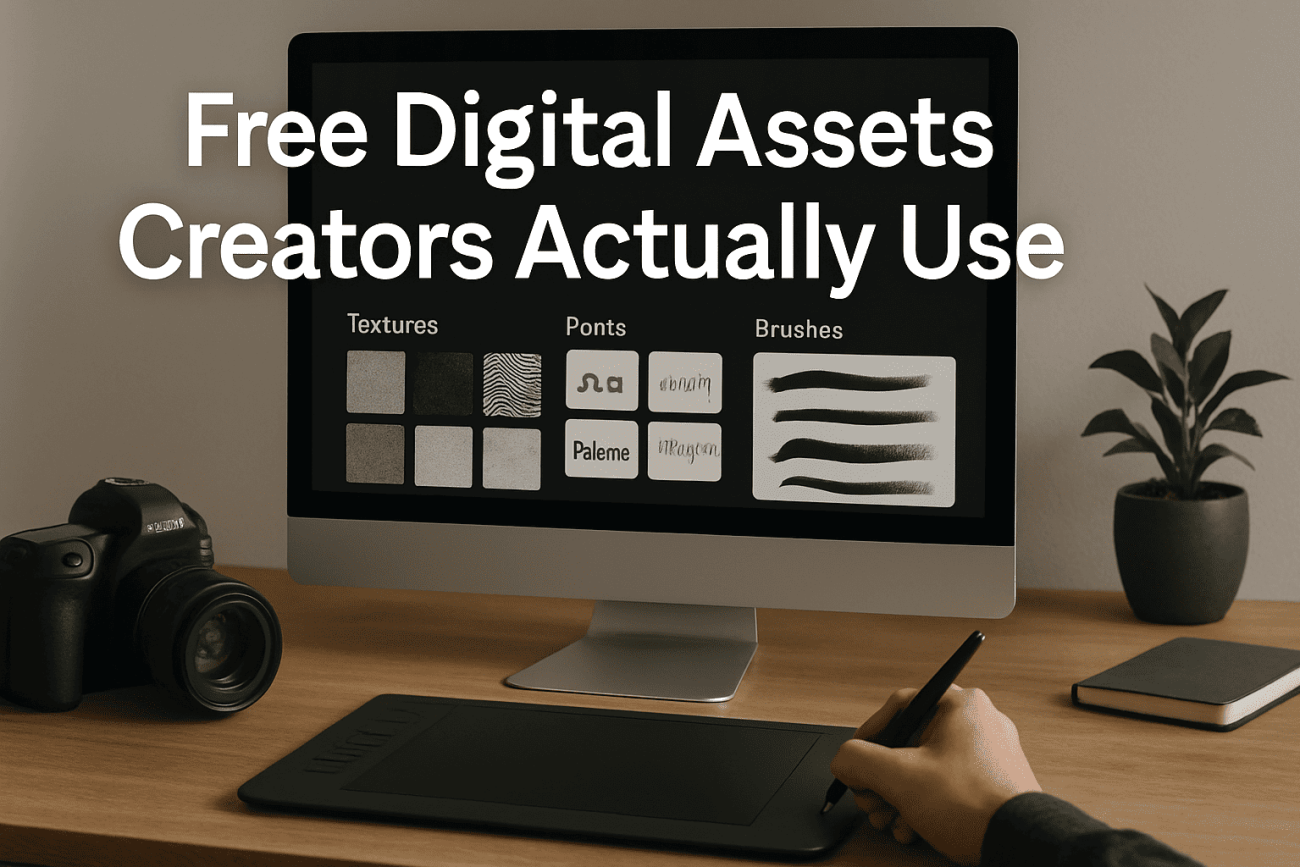
Professional creators rely on a core set of free resources that offer high quality and clear licensing terms. These are the platforms that have earned the trust of the community.
1. Stock Photos and Graphics
| Platform | Primary Focus | Licensing Standard | Community Feedback |
|---|---|---|---|
| Unsplash | High-resolution, artistic photography. | Mostly free-to-use (CC0-like), but attribution is appreciated. | The go-to for modern, aesthetic visuals. |
| Pexels | Photos and videos; strong search functionality. | Free for commercial use, no attribution required. | Excellent for general-purpose, high-volume needs. |
| Canva | Templates, drag-and-drop design elements. | Free tier assets are clearly marked; commercial use is generally allowed for free elements. | Essential for social media and quick mockups. |
2. Fonts and Typography
Google Fonts is the undisputed industry standard for free, commercially licensed fonts. Every font on the platform is open-source and can be used in any project, personal or commercial, without fear of licensing issues. This reliability is why it is the default choice for web developers and designers globally.
3. Stock Video and Audio
- Video: Mixkit and Pexels Video offer high-quality 4K and HD clips that are free for commercial use. The trade-off is that the most unique or niche shots are often found on paid platforms.
- Audio: The YouTube Audio Library is the most reliable source for free music and sound effects for video creators. It allows you to filter by music that requires no attribution, simplifying the post-production process.
4. User Testimonials: The Quality vs. Uniqueness Trade-Off
The biggest constraint of using free assets is the lack of uniqueness.
“I use Unsplash for 90% of my blog posts, but I would never use it for a client’s main website banner. The images are great, but they are everywhere. If you want your brand to stand out, you have to pay for a unique asset or shoot it yourself. Free assets are fantastic for placeholders and background noise, but not for your core identity.” — Freelance Graphic Designer, Reddit r/design
This testimonial highlights the realistic trade-off: free assets provide excellent quality but sacrifice uniqueness. Creators must be strategic about where they deploy these resources.
Trust and Transparency: The Privacy and Safety Trade-Offs
While the legal license is the primary concern, there are other real-world constraints that come with using free digital assets.
1. The Data Privacy Constraint
Many “free” asset sites require you to create an account to download high-resolution files.
- The Constraint: By creating an account, you are providing your email address and browsing data to a third-party platform. This data is used to build a profile of your creative interests, which is then used to market their paid subscription services to you.
- The Solution: Use a dedicated “spam” or secondary email address for all free asset sign-ups to keep your primary inbox clean and limit the data footprint associated with your main identity.
2. The Safety Constraint: The “Free” Software Trap
The article “How to Replace Paid Tools with Free Digital Downloads” [2] covered the safety of open-source software, but the same caution applies to free templates and plugins.
- The Risk: Free templates, especially for WordPress or other CMS platforms, can sometimes contain malicious code or hidden backdoors.
- The Mitigation: Only download free software and templates from highly reputable sources (e.g., the official WordPress repository, the Figma Community, or the developer’s official GitHub page). Never download a free template from an unknown third-party site promising a “premium” asset for free.
Actionable Guidance: Your Free Asset Workflow
A successful workflow for using free digital assets is built on three pillars: Verification, Organization, and Attribution.
- Verify the License Immediately: Before downloading, always check the license. If the license is not clearly stated as CC0 or CC BY, or if it is a CC BY-NC license, assume it is not safe for commercial use.
- Create a “License Log”: For every project, create a simple text file named
ASSET_LOG.txt. For every free asset you use, record the following:- Asset Name (e.g., “Mountain Sunset Photo”)
- Source URL (e.g.,
https://unsplash.com/photos/xyz) - License Type (e.g., CC BY)
- Attribution Text (e.g., “Photo by Jane Doe on Unsplash”)
This simple step is your legal defense if a copyright issue ever arises.
- Use Dedicated, Trusted Platforms: Stick to the industry-standard platforms listed above. Avoid generic search engine results for “free stock photos,” as these often lead to low-quality or legally ambiguous sites.
Conclusion: The Power of Informed Creation
The world of free digital assets is a powerful resource, but it is not a free-for-all. The most successful creators treat these resources with respect, understanding that the “free” price tag is often exchanged for a requirement of attribution, a limitation on commercial use, or a trade-off in data privacy.
By mastering the nuances of Creative Commons licensing and adopting a disciplined workflow, you can leverage the best free resources the internet has to offer. The true value of a free asset is not the money you save, but the confidence you gain in knowing your project is built on a solid, legal, and ethical foundation.
References
[1] Creative Commons. About CC Licenses. [URL: https://creativecommons.org/share-your-work/cclicenses/] (Explains the spectrum of Creative Commons licenses).
[2] Manus AI. (2026). How to Replace Paid Tools with Free Digital Downloads. (Discusses the safety of free software).
[3] Unsplash. Official Website. [URL: https://unsplash.com]
[4] Pexels. Official Website. [URL: https://www.pexels.com]
[5] Canva. Official Website. [URL: https://www.canva.com]
[6] Google Fonts. Official Website. [URL: https://fonts.google.com]
[7] Mixkit. Official Website. [URL: https://mixkit.co]
[8] YouTube. YouTube Audio Library. [URL: https://www.youtube.com/audiolibrary]
[9] Reddit. Freelance Graphic Designer Testimonial. (Summary of community experience on asset uniqueness).
[10] Top Free Tools Every Graphic Designer Should Know in 2026. (Discusses essential free design tools).
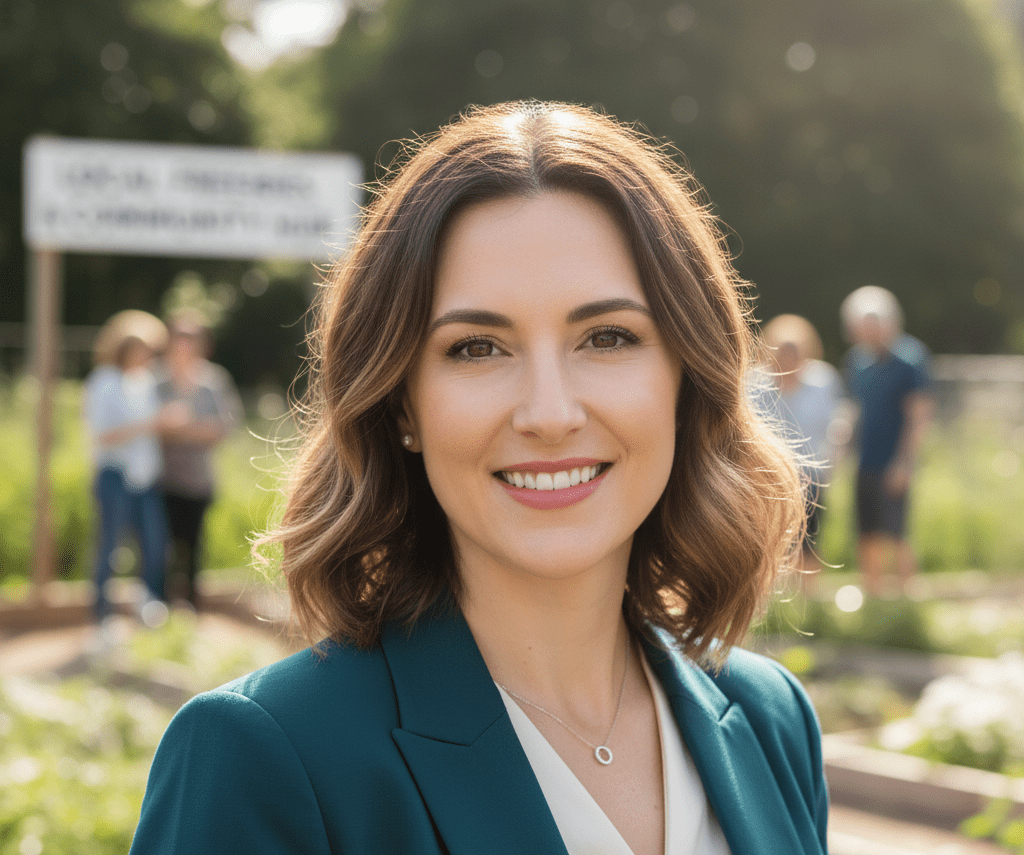
Sam Reid believes that the best things in life—and the best samples—come to those who know where to look. At AllFreeStuff.com, Sam manages our “Perk Calendar,” tracking thousands of brand-name birthday rewards and seasonal giveaways. With a professional background in community organizing, Sam has a passion for the circular economy, often writing about how to use local “Buy Nothing” groups and Freecycle networks to furnish homes sustainably. Sam’s mission is to ensure that every reader feels empowered to claim the perks they deserve while building a more resourceful community.