Last reviewed on January 11, 2026. Please note that streaming offers, pricing, and trial availability are subject to regional variability and can change without notice.
The “Golden Age of Streaming” has entered a new, more expensive chapter. Gone are the days when every major platform offered a month of free access with no strings attached. In 2026, finding a free trial feels like a digital scavenger hunt. While some giants like Netflix and Disney+ have retired their trial offers entirely, others still provide a window of “free” access—if you know where to look and how to avoid the hidden costs. This guide compares the top streaming trials available today, helping you binge-watch without the bill.
Who This Is For / Not For
- This is for: Budget-conscious viewers, “cord-cutters” looking to test new platforms, and beginners who want to understand the risks of automatic renewals.
- This is not for: People looking for permanent free access, illegal streaming sites, or those who don’t want to provide a credit card number for verification.
The 2026 Streaming Landscape: A Comparison
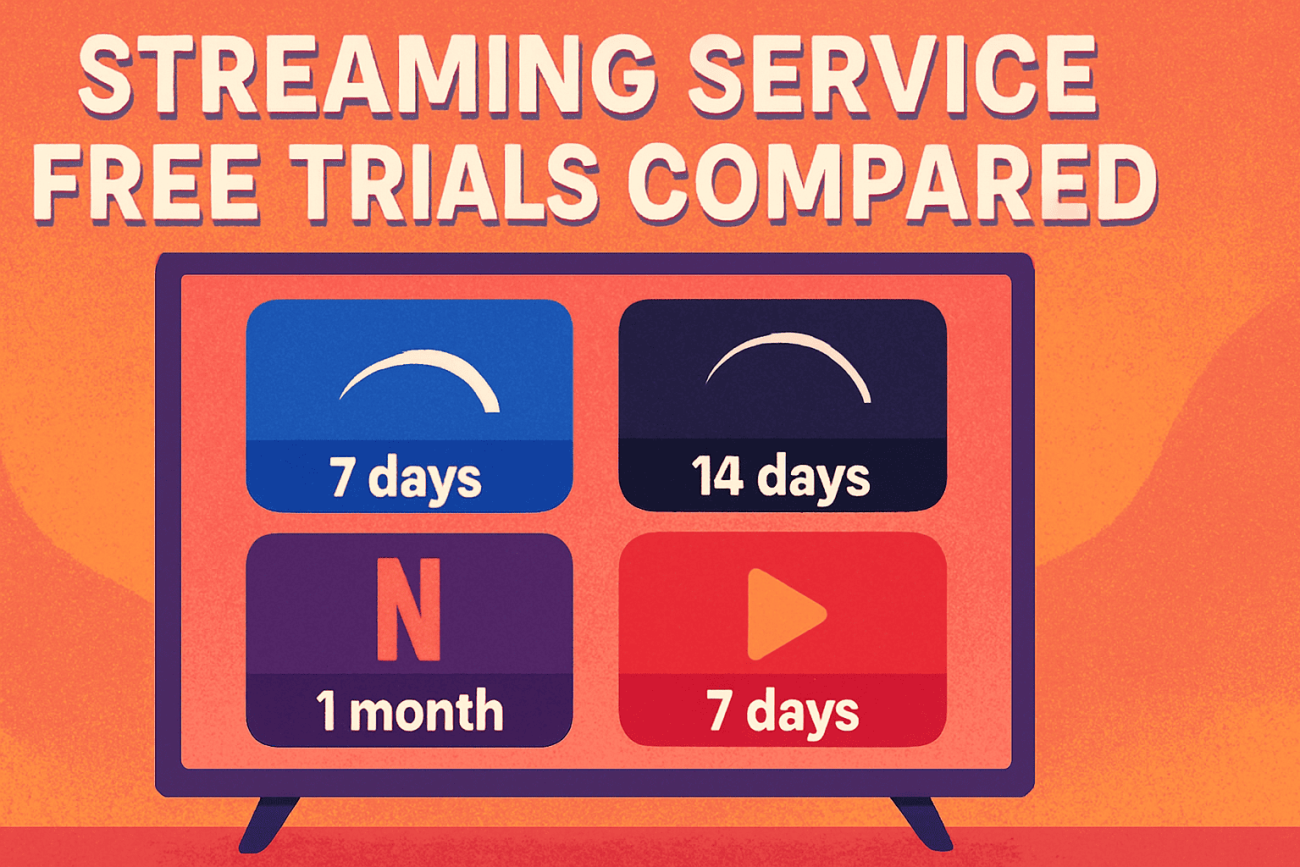
The following table summarizes the most popular streaming services that still offer a way to watch for free as of early 2026.
| Service | Trial Length | Best For | Key Constraint |
|---|---|---|---|
| Hulu | 30 Days | General TV & Originals | Converts to paid plan automatically. |
| Amazon Prime Video | 30 Days | Movies & Fast Shipping | Requires full Prime trial signup. |
| Paramount+ | 7 Days | Live Sports & CBS | Known for “early” billing issues. |
| Apple TV+ | 7 Days | High-Quality Originals | 3-month trial only with new hardware. |
| YouTube TV | 10-14 Days | Live Sports & News | Trial length varies by promotion. |
| Philo | 7 Days | Budget Live TV | No local channels or major sports. |
| Fubo | 7 Days | Hardcore Sports Fans | High post-trial cost ($75+). |
| Crunchyroll | 7 Days | Anime Enthusiasts | Ad-free tier only in the trial. |
Deep Dive: The “Big Three” Trials Still Standing
1. Hulu: The Most Generous Window
Hulu remains one of the few major players offering a full 30-day trial for its base plans. This is ideal for catching up on a specific series or testing the interface. However, the landscape is shifting. While the base plan is generous, their “Hulu + Live TV” plan—which is significantly more expensive—often only offers a 3-day trial. According to Hulu’s official help center, you must cancel before the trial ends to avoid being charged the full monthly rate.
In 2026, Hulu has also integrated more tightly with Disney+ and Max. Be careful: if you sign up for a “Bundle” trial, the terms often change. Many bundles do not offer a free trial even if the individual services do. Always look for the standalone offer if your goal is a $0.00 checkout.
2. Amazon Prime Video: The Bundle Benefit
Technically, Prime Video doesn’t have a standalone trial; it is part of the broader Amazon Prime 30-day trial. This is a double-edged sword. You get access to a massive library and free shipping, but you also expose yourself to a much higher renewal fee (often over $140/year) if you forget to cancel.
One “pro tip” for 2026: check if you are eligible for a discounted Prime trial. Students and individuals receiving government assistance (like EBT) can often get a 30-day trial followed by a significantly lower monthly rate. This is one of the few “hidden” ways to keep the costs down long-term.
3. Paramount+: The Sports Fan’s Gateway
Paramount+ is the go-to for UEFA Champions League and NFL on CBS. Their 7-day trial is short, but it’s often enough to catch a specific tournament or big game. The trade-off here is the “Essential” vs. “Premium” choice. If you want your local CBS station, you must trial the higher tier, which carries a higher post-trial cost.
Paramount+ has also become notorious for its “retention offers.” Many users report that when they go to cancel their 7-day trial, the system automatically offers them an additional month for free to stay. While not guaranteed, it’s a common experience shared in the streaming community.
The Psychology of the “Free” Offer
Why do these companies still offer trials when Netflix has proven they aren’t strictly necessary for growth? It comes down to “The Endowment Effect.” Behavioral economists have found that once we start using a service—even for a week—we begin to feel a sense of ownership over it.
When you spend a week curating your “Watch List” on Apple TV+, the thought of losing that list feels like a personal loss. Companies bank on the fact that you’d rather pay $9.99 than lose the “work” you put into the app. This is why many trials now require you to set up a full profile before you can even see the content.
The Hidden Costs of “Free”
Even when a service says “$0.00,” there are real-world constraints and trade-offs you should consider before entering your card details.
The “Verification” Hold
Many services, including Amazon and YouTube, will place a temporary “hold” on your card (usually between $1.00 and $2.00) to ensure the payment method is valid. While this is typically refunded within a few days, it can be a surprise if you are using a card with a very low balance. This is a common “gotcha” for beginners who might be using a prepaid card or a nearly-empty debit account.
The Privacy Premium
By signing up for a trial, you are handing over your viewing habits to a data machine. Companies use this “free” period to build a profile of what you like, which is then used to keep you on the platform longer or sold to advertisers. In 2026, “free” often means you are paying with your personal data. Have you noticed that after trialing a fitness-focused streaming channel, you start seeing more ads for protein powder? That’s the real cost of your “free” week.
Regional Variability: The Global Gap
It is important to note that a 30-day trial in the United States might only be 7 days in Canada or non-existent in the UK. Always check the specific landing page for your region. For example, Disney+ has been known to offer trials in emerging markets like India or parts of Southeast Asia while keeping them disabled in the U.S. and Europe. If you are traveling, your “home” trial might not even work across borders due to licensing restrictions.
Community Experiences: Real-World Warnings
Disclosure: The author of this article did not participate in these specific interactions; the following is a summary of documented community experiences from platforms like Reddit and the Better Business Bureau (BBB) as of late 2025.
The “fine print” isn’t always followed to the letter by automated billing systems. On Reddit’s r/Hulu, multiple users have reported being charged the full $89.99 for a Live TV plan days before their trial was officially set to expire. One user shared a screenshot showing their “next billing date” was Jan 3, 2026, yet they were charged on Jan 1. This highlights the importance of the “T-Minus 2” rule.
Similarly, Paramount+ has faced criticism on forums like r/cordcutters for its aggressive renewal tactics. Users have noted that if you cancel a trial “too early” (e.g., on day 1), some services may terminate your access immediately rather than letting you finish the week. This is a “dark pattern” designed to force you to wait until the last minute to cancel, increasing the odds that you’ll forget entirely.
Another common complaint involves “Third-Party Billing.” If you sign up for Paramount+ through your Amazon Prime account, you cannot cancel it on the Paramount website. You must navigate the labyrinth of Amazon’s “Manage Your Channels” settings. Many users have ended up paying for months of service they thought they had canceled because they were looking in the wrong place.
Actionable Guidance: How to Trial Like a Pro
To enjoy these services without the financial headache, follow these real-world steps:
1. The “T-Minus 2” Rule
Never wait until the last day to cancel. Many services require cancellation 24 to 48 hours before the trial ends to prevent the next billing cycle from triggering. Set a calendar alert for two days before the deadline. This gives you a buffer to deal with “customer retention” loops—those annoying screens where they offer you 50% off to stay—or technical glitches in the cancellation portal.
2. Use a Virtual Card (The Ultimate Defense)
Services like Privacy.com allow you to create a card with a $1 limit. If the streaming service tries to charge you $15 after the trial, the transaction will fail, protecting your bank account. This is the single most effective way to prevent “zombie” subscriptions from draining your funds.
3. Audit Your Mobile Subscriptions
If you sign up for a trial through your iPhone or Android device, the subscription is managed by Apple or Google, not the streaming service.
- On iOS: Go to Settings > [Your Name] > Subscriptions.
- On Android: Open Google Play > Profile Icon > Payments & Subscriptions.
Checking these lists once a month is a vital piece of “digital hygiene” that can save you hundreds of dollars a year.
4. Screenshot the Terms
Before you click “Start Trial,” take a quick screenshot of the page that shows the trial length and the billing date. If you are charged early, this is your only evidence for a refund. Most customer support agents will fold immediately if you can provide a screenshot of their own terms.
5. The “Burner” Email Strategy
To avoid the “Privacy Premium,” consider using a secondary email address specifically for free trials. This keeps your primary inbox clean of marketing spam and makes it easier to track which services you are currently trialing.
The Future of Streaming Trials: What to Expect in 2027
As we look toward the end of 2026 and into 2027, the trend is clear: trials are becoming shorter and more restrictive. We are seeing the rise of “Ad-Supported Trials,” where you can watch for free but must sit through commercials. This allows companies to monetize your “free” time immediately. Additionally, expect more “Hardware-Locked” trials, where you only get free access if you buy a specific TV, phone, or gaming console.
The Ethics of the “Free” Model in Streaming
Beyond the technical traps and the “T-Minus 2” rules, there is a larger ethical conversation happening in the streaming industry. Is it right for a multi-billion dollar corporation to profit from a consumer’s simple mistake? While the legal answer is often “yes,” the reputational cost is growing. In 2026, we are seeing a divide between “consumer-friendly” platforms that send a reminder email before a trial ends and “predatory” platforms that hide the cancellation link in a maze of sub-menus.
As a consumer, your choice of where to spend your “free” time actually sends a powerful message. When you choose to trial a service that is transparent about its billing, you are voting for a fairer digital economy. Conversely, when we tolerate “dark patterns” and “zombie” charges, we signal to the industry that these tactics are acceptable. The next time you sign up for a trial, take a moment to look at the interface. If it feels like they are trying to trick you, they probably are.
Quick Checklist for Your Next Streaming Trial
Before you hit that “Start Trial” button, run through this 30-second checklist:
- Is it a Bundle? If yes, check if the trial applies to all services or just one.
- What is the “Cancel By” Window? Is it 24 hours or 48 hours?
- Is there a “Verification Hold”? Do you have $2.00 in your account to cover it?
- Where do I cancel? Is it on the website, or through my Roku/Apple/Amazon account?
- Is the “Annual” box checked? Ensure you aren’t accidentally signing up for a $150 yearly bill.
Final Thoughts
Streaming trials in 2026 are no longer a “set it and forget it” luxury. They are strategic tools for the savvy consumer. By understanding the specific windows offered by Hulu, Paramount+, and others, and by using protective measures like virtual cards, you can still enjoy the best of modern television for free.
Transparency is your best defense. If a company makes it hard to find their cancellation button, they’ve already told you everything you need to know about how they value your business. In the end, the most valuable thing you have isn’t the $14.99 in your bank account—it’s your attention and your data. Spend them wisely, and don’t be afraid to hit that “cancel” button the moment you’ve seen what you came for. The content will still be there tomorrow, but your hard-earned money might not be.
This article is for educational purposes. Always read the specific Terms of Service for any product you use, as corporate policies and local laws change frequently. The author is not a financial advisor or legal professional.